How to Color and Trace on a Tablet or iPad – A Simple Guide for Preschoolers and Parents

by 💛 T. Odyssey
5 minutes read
how to trace and color on iPad or any tablet

Big YES to digital tracing and coloring

Today I want to share something that little hands, curious minds, and yes… adults craving a quiet creative moment absolutely love.

More and more parents ask me:


Can kids color on an iPad?
How do you color on a tablet?
Is it possible to trace coloring pages digitally?

The answer is a big yes –  and it can be incredibly fun.

Personally, I love digital coloring because it lets children create freely without wasting paper or printer ink. It’s also a more eco-friendly option and a great way to enjoy creative play anytime, anywhere.

PNG Coloring Pages – Perfect for Tablet Fun

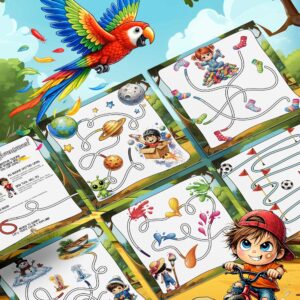
All the materials I share on the blog in PNG format or even JPGs – coloring pages, tracing worksheets, pre-writing lines and learning activities for kids – can be opened on any tablet and colored over and over again.

Children can draw, erase, try again, improve their lines and start fresh whenever they want. There’s no pressure and no fear of making mistakes.

In my paid activity packs available in the shop, you’ll also find high-quality PNG files included alongside PDFs, so you get the best of both worlds:

One set, double the fun.

Why Coloring on an iPad or Tablet Is Worth It

Coloring and tracing on a screen can be surprisingly beneficial. Digital coloring is:

Kids have access to endless brushes, colors, markers, crayons, and erasers. They see digital coloring as pure fun, while quietly building important early learning skills like fine motor control and hand-eye coordination.

And the best part?

They don’t even realize they’re preparing for writing.

How to Color and Trace on an iPad – Step by Step

Here’s a simple guide for parents, grandparents, teachers, and kids who want to start coloring and tracing on a tablet.

Step 1. Download a PNG Coloring Page

Save the PNG file directly to your tablet or iPad.

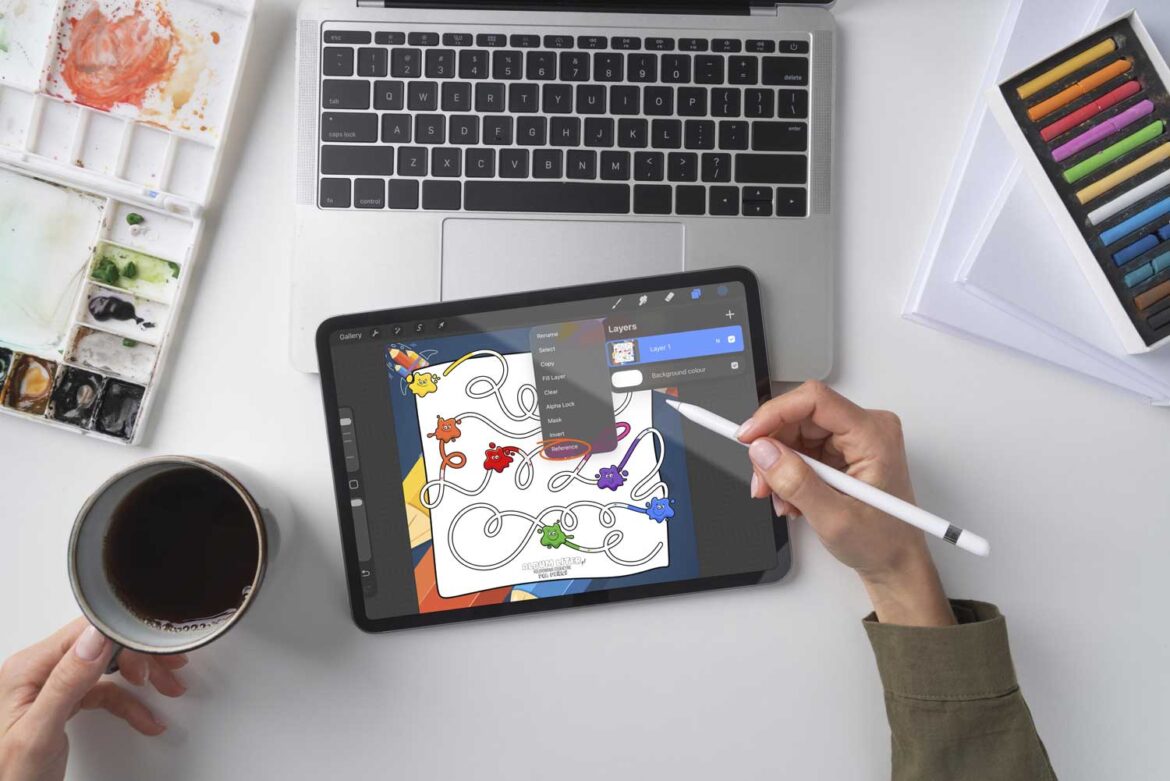
Step 2. Open the File in a Drawing App

Any app that allows drawing over images will work. Popular options include:

  • Procreate

  • Sketchbook

  • Ibis Paint

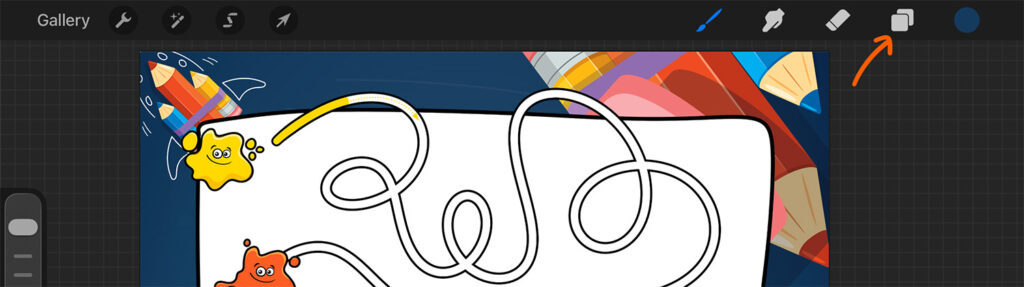
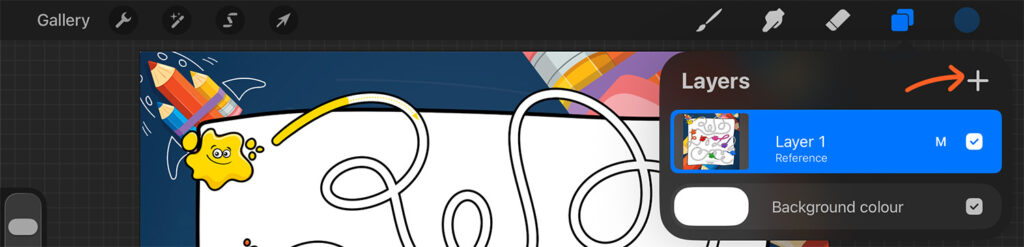
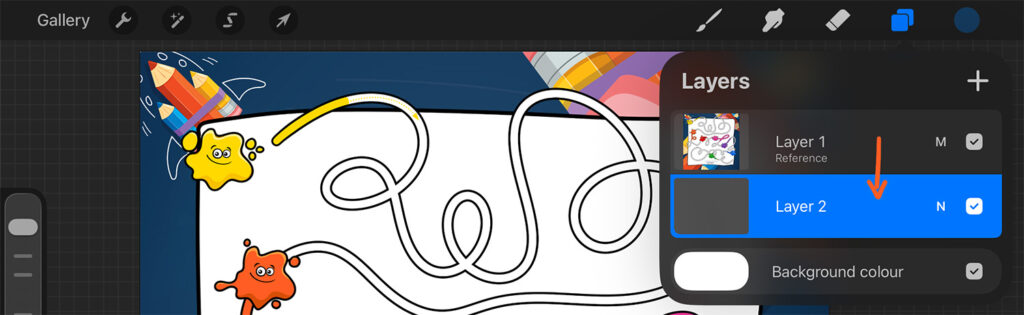
Step 3. Add a New Drawing Layer

This is an important step. It keeps the original image safe while your child colors and traces freely.

Step 4. Choose a Tool

Crayon, marker, brush, pencil, or highlighter. Adjust colors, line thickness, or even add digital stickers.

Step 5. Color, Trace, and Play

Children practice fine motor skills, focus, and precision.
Adults relax their minds.
Everyone wins.

Step 6. Save the Artwork

Save the finished picture as an image, create a digital art album, or send it to grandma – she’ll be very proud.

BONUS: How to Color on a Tablet Like a Pro

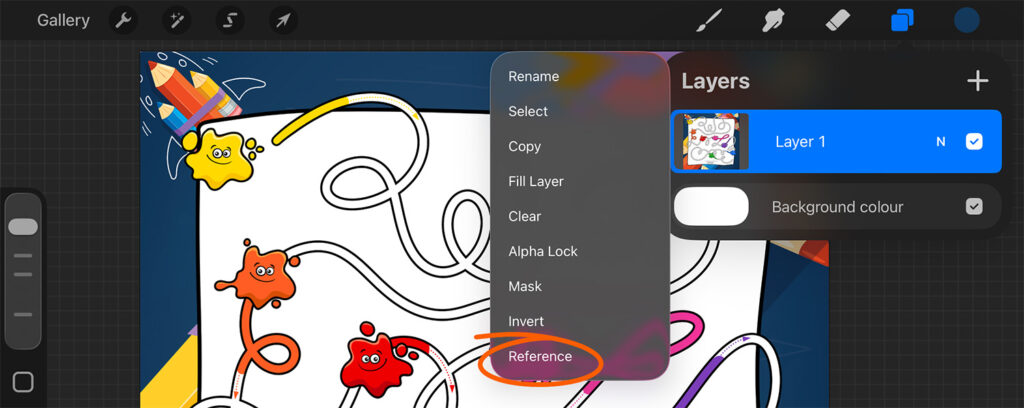
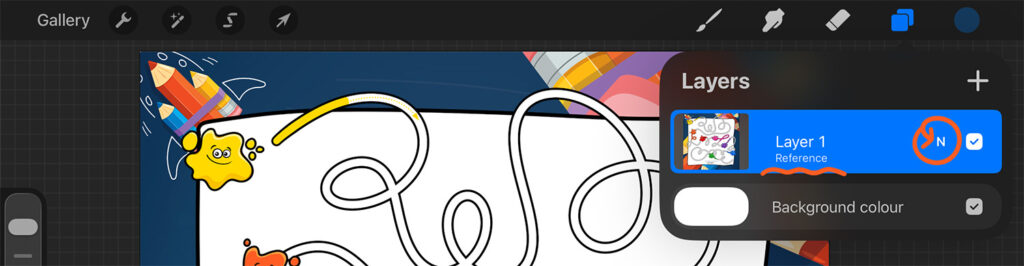
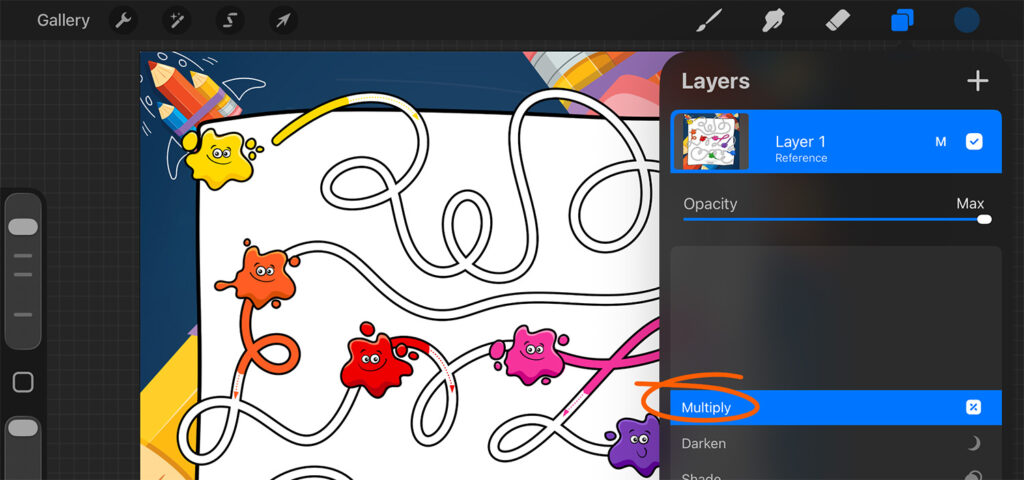
Here’s a little trick that makes digital coloring extra smooth and satisfying, especially in Procreate.

coloring on iPad for kids step by step guide for parents
how to trace coloring pages on tablet for preschoolers
digital coloring and tracing activities for preschool children
PNG coloring pages for kids to use on iPad or tablet
screen friendly learning activities for preschoolers on tablet
early learning tracing and coloring apps for kids on iPad

Now you can color freely without covering the black outlines.
You can also use the Color Drop shortcut – just drag a color into a closed shape and fill it instantly.

Fast, clean and very satisfying.

(Psst… there’s also a short video tutorial on my Instagram showing exactly how this works.)

Try It Yourself on a Tablet - download a sample page

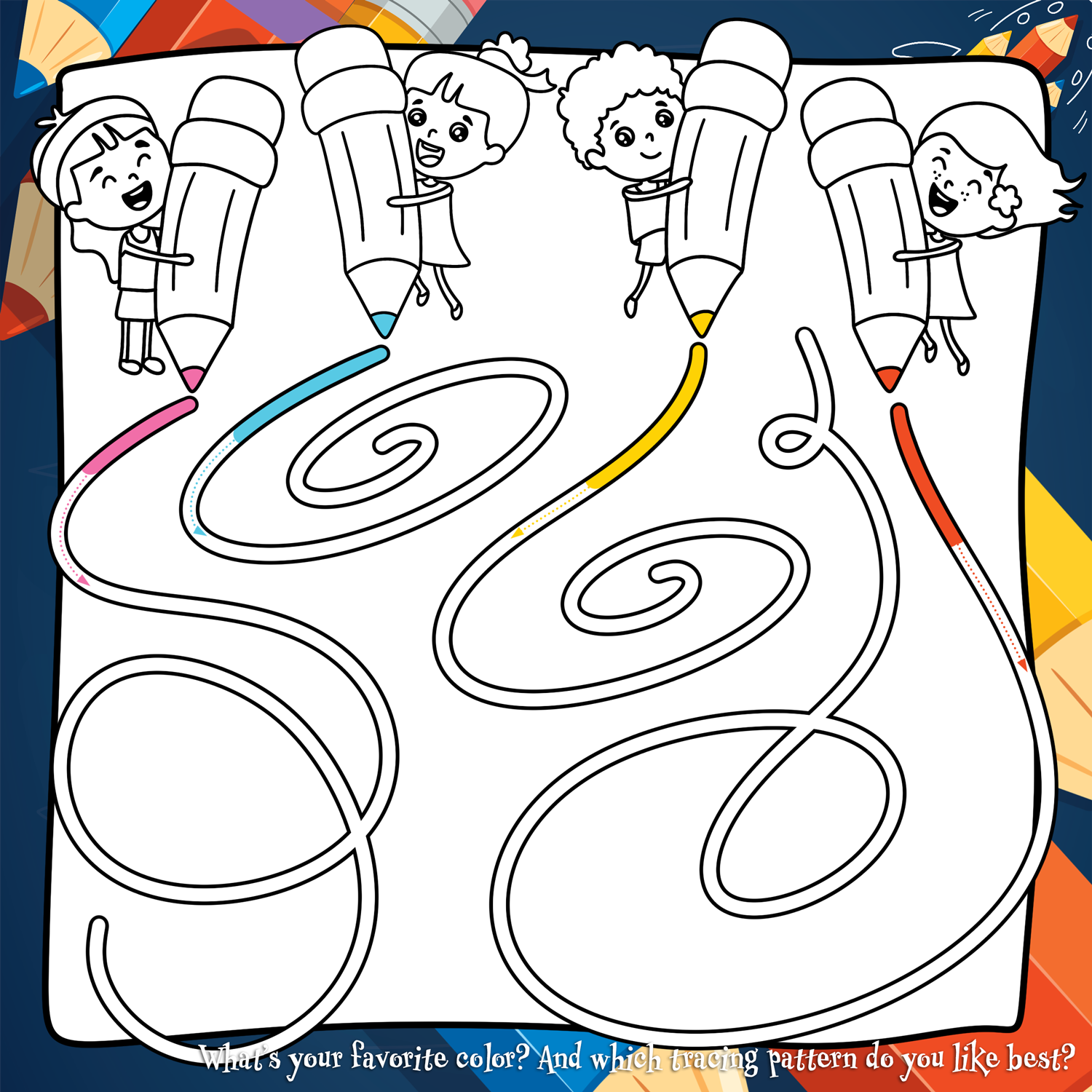
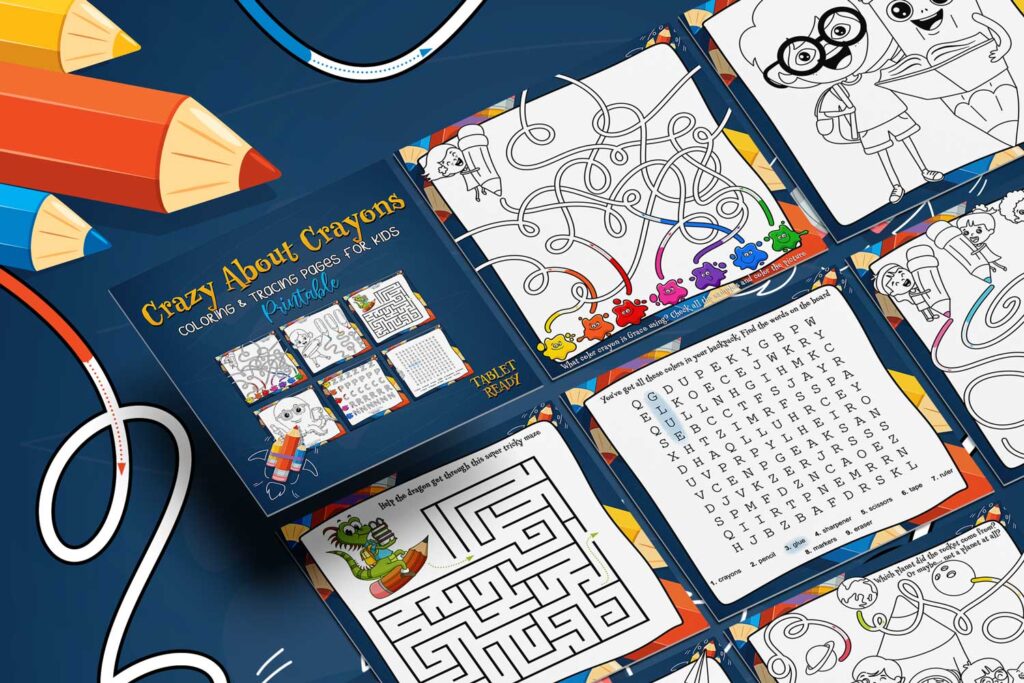
Want to see how fun digital coloring can be? Download a free printable page from the Crazy About Crayons set, open it on your tablet and let your child color, trace, erase and start again. No mess, no pressure – just pure creative fun. Try it once and you’ll see how quickly kids fall in love with digital coloring and tracing.

If you enjoyed it - you will love this new set

Just recently, a brand-new printable activity set appeared in my shop. It includes 35 fun pages with coloring pages, tracing lines, mazes and early writing exercises designed to strengthen little hands before learning to write.

The set includes:

  • printable PDF files

  • PNG illustrations for tablet coloring

Perfect for kids who love crayons and digital drawing.

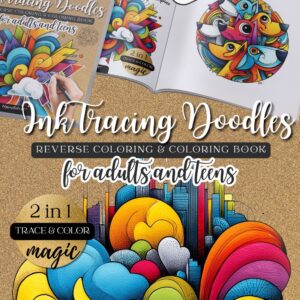
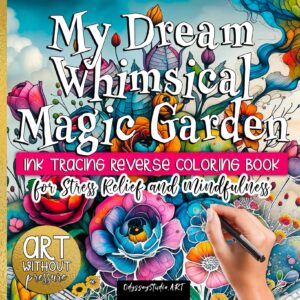
Tracing Pages for Kids and Adults – Practice Makes Progress

If your child loves tracing or if you want to gently train your own hand, you’ll love my digital tracing packs.

They work beautifully:

  • on paper

  • on tablets

  • for kids and adults

Many of my tracing sets also include special brushes (sparkles, rainbow strokes) and custom color palettes matched to each theme. Once you start, it’s hard to stop – I promise.

Want More Creative Learning Ideas? Follow Me on Pinterest

If you enjoyed this guide and want more tips on tablet coloring, tracing, and calm learning through play, make sure to follow along and visit regularly.

Unplugged creativity and digital calm can absolutely go hand in hand 💛

You may also like

We use cookies to make your experience on our site even better. By continuing to browse, you agree to our use of cookies. OK Read More